For fashion brands
Fashion model photography
Your collection. A new setting.
Combine a person reference with apparel or footwear photos to create on-model visuals. Choose clean Studio, Lifestyle, or Social Ad styling and generate a set for your next collection.
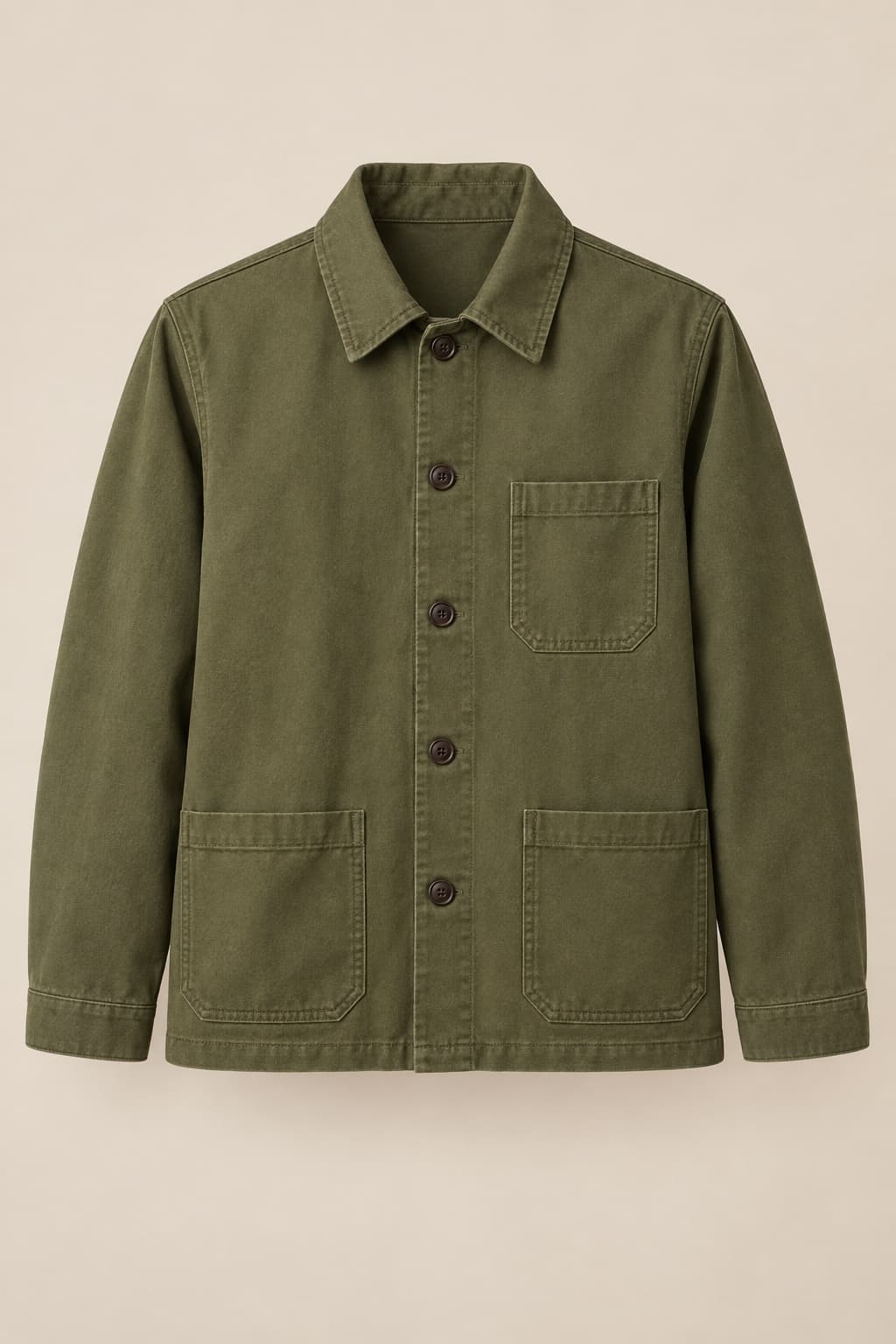

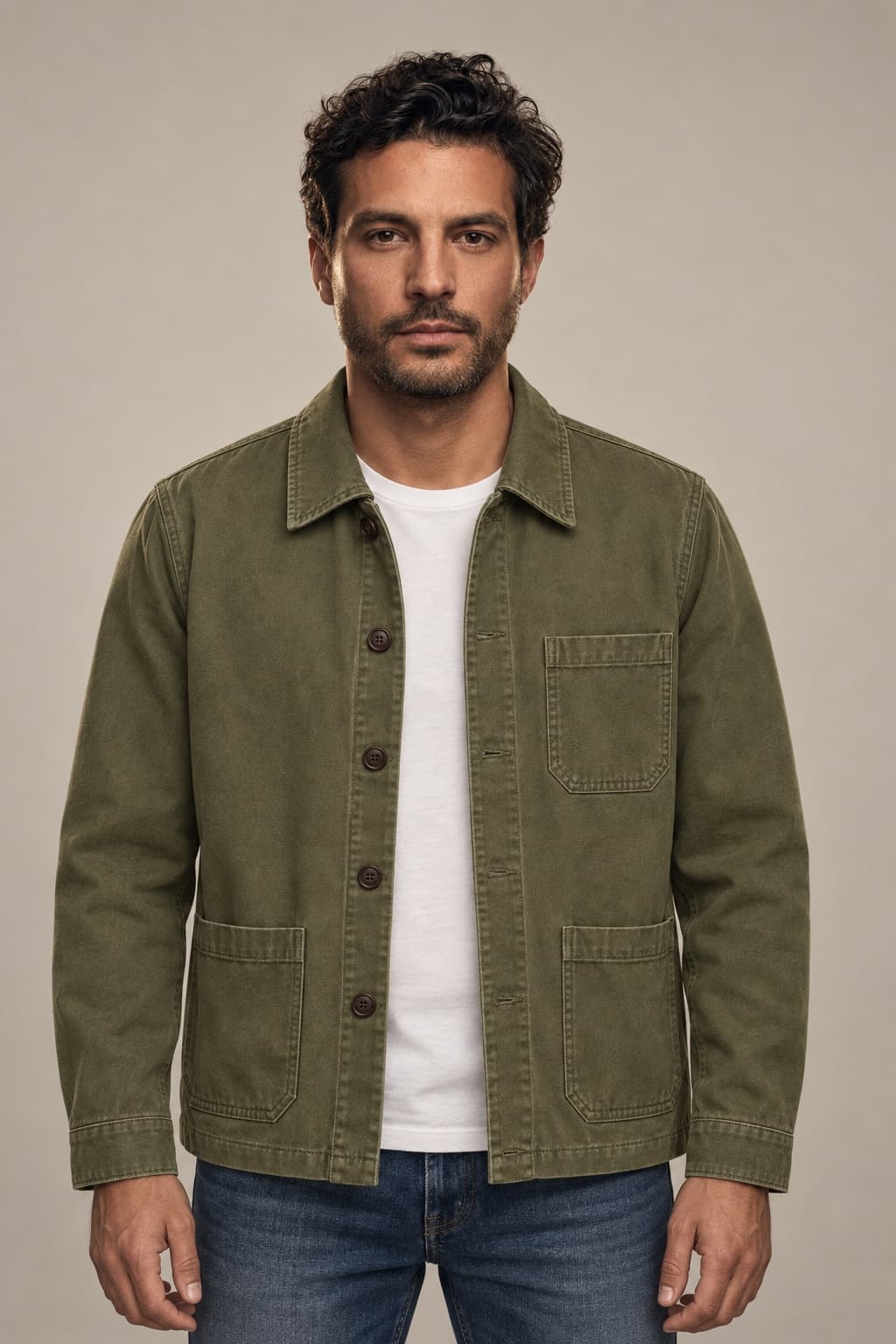
Style inspiration
More looks for your collection.
Curated illustrations created for this lookbook to help you choose a visual direction. Editorial is inspiration, not a separate Studio preset.
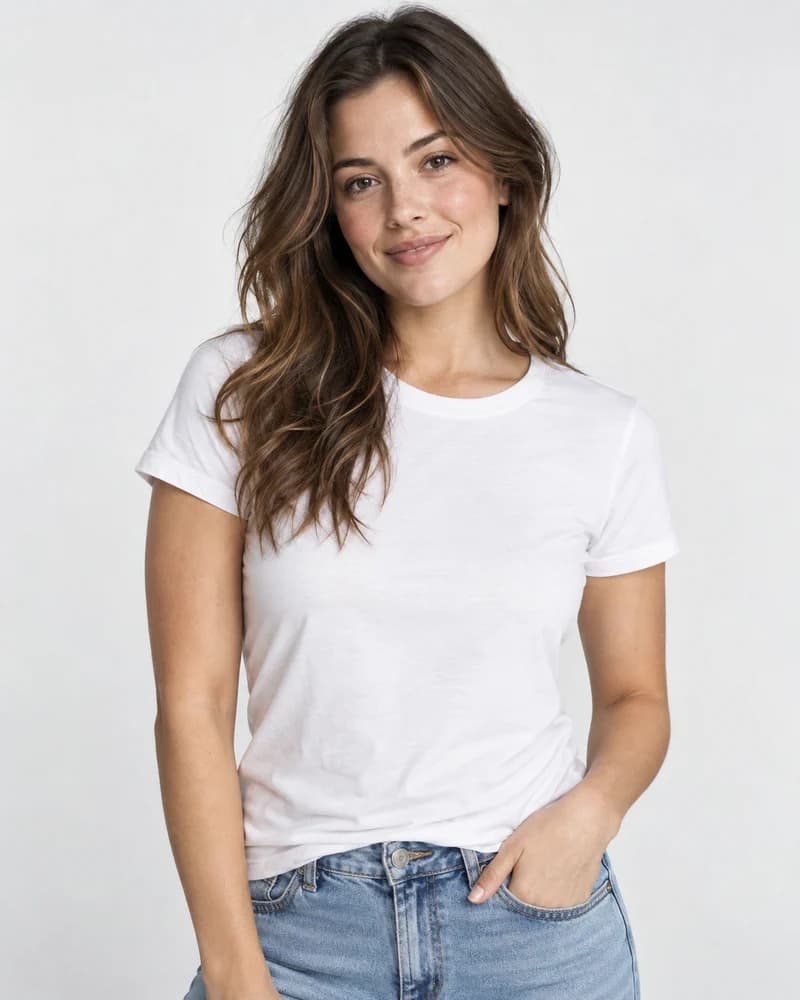
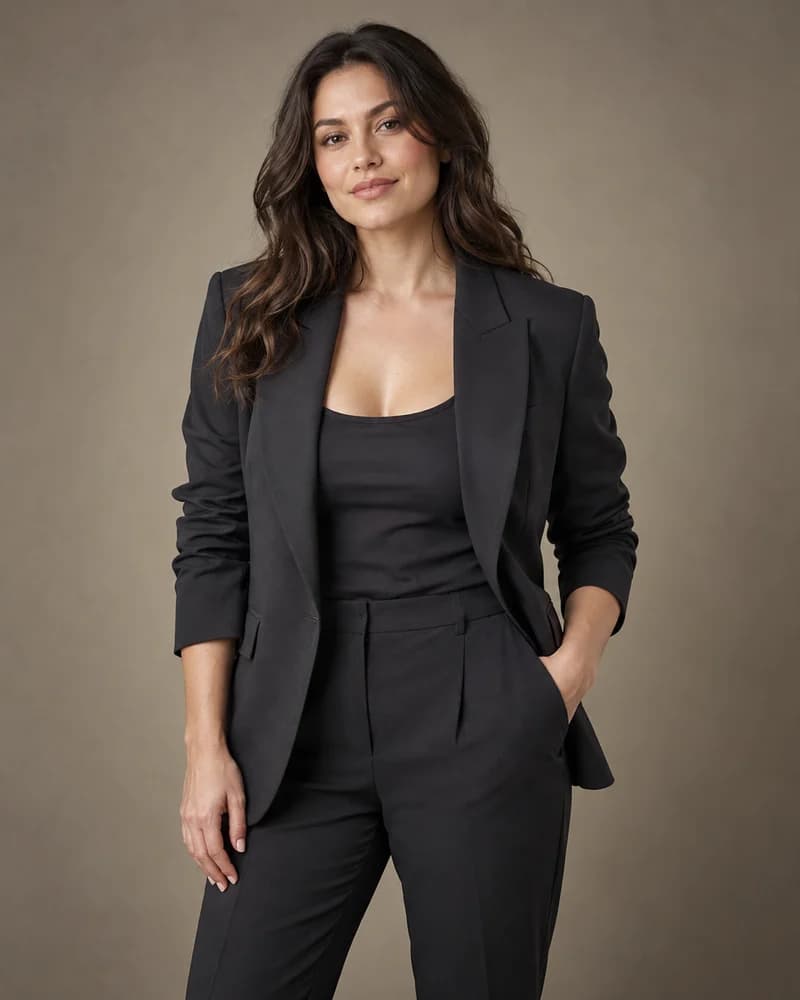
Studio, Lifestyle, and Social Ad directions
Three or five images with the cost shown before generation
How it works
Your collection. A new setting.
- 01Upload a person reference and garment or footwear photos
- 02Choose the category and photography style
- 03Sign in, review the credit cost, and generate
Before you begin
Do I choose a virtual model from a library?
The current workflow uses a person photo that you upload. A built-in model library is not available. Use a reference you have permission to use.
Which products and styles are supported?
Current categories are shoes, topwear, bottomwear, and full outfits. Styles are Studio, Lifestyle, and Social Ad. Handbag, jewelry, luxury, and editorial presets are not separate supported options yet.
How many credits does a set use?
Three images use 6 credits, and five images use 9 credits. Studio shows the cost before you generate.
Does an image prove fit?
No. Results are visual concepts. Review garment details, proportions, and identity before using an image commercially.