For everyone
Photo restoration
Keep the photograph. Recover the detail.
Explore restoration for faded family photographs and damaged prints. Compare a curated original and restored example, with colorization and creative tools close at hand.
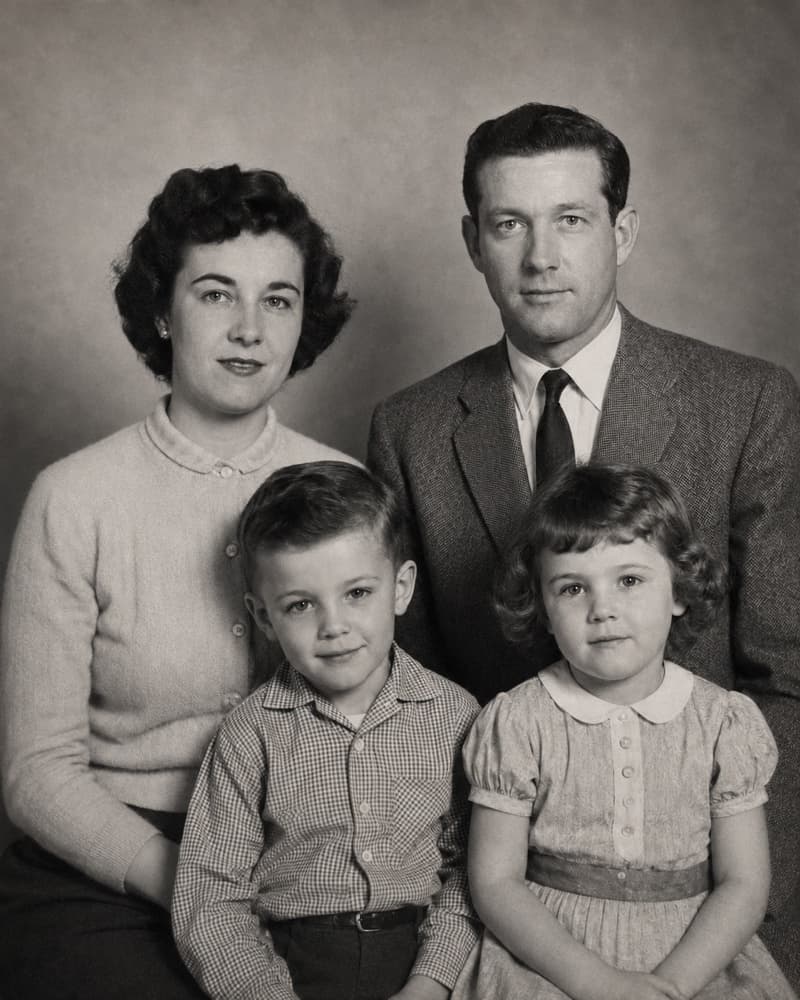
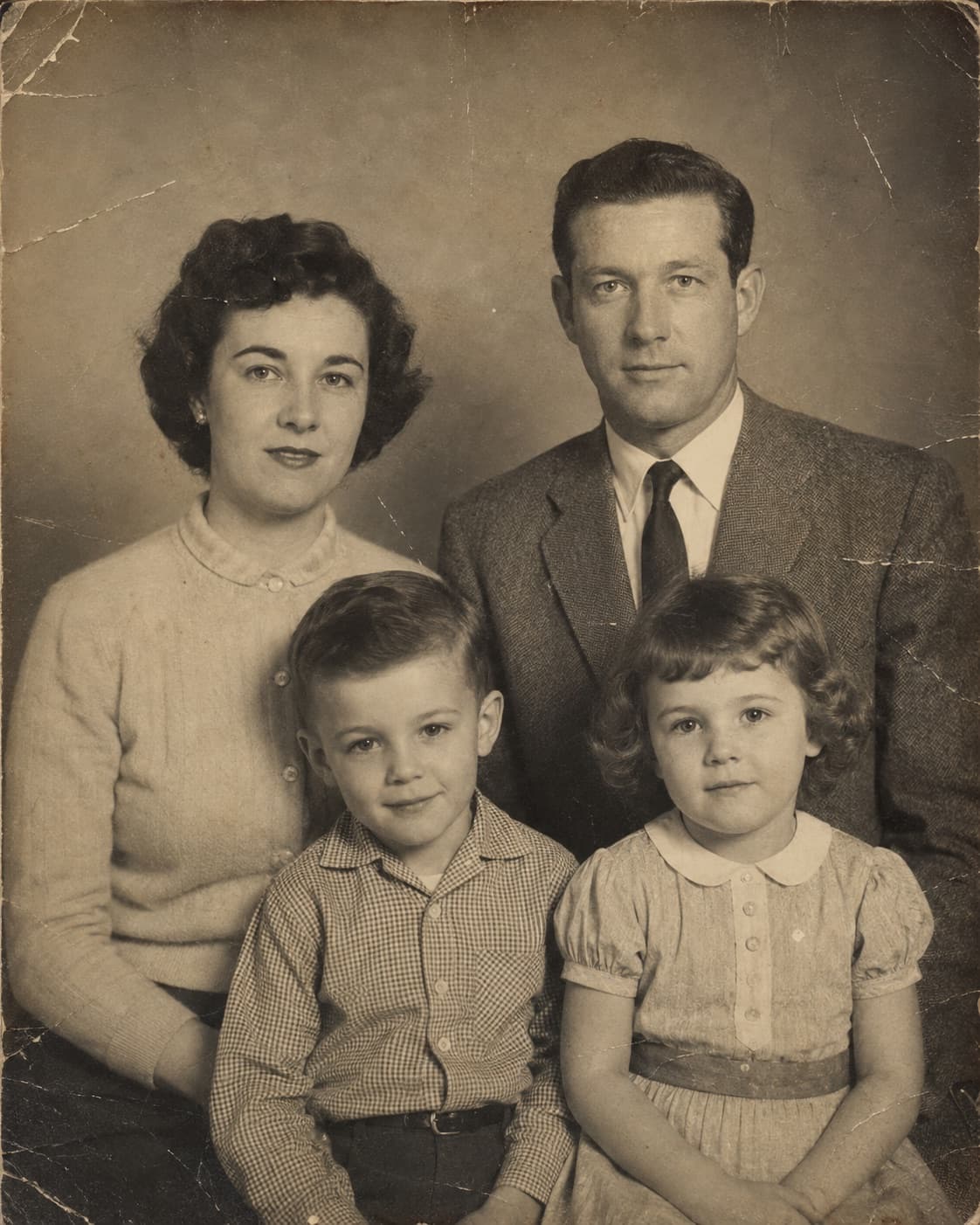
Compare an original scan with a restoration example
Continue into colorization or creative portraits
How it works
Keep the photograph. Recover the detail.
- 01Start with a scan or evenly lit photograph
- 02Open the restoration preview
- 03Compare the original and curated result
Before you begin
Will the preview restore my upload?
The restoration Studio currently displays curated examples, rather than processing your photo. Your selected photo remains local in this preview.
Can I add color to a black-and-white image?
Explore the separate Colorize tool for a curated example of this direction. Colors are interpretations, not historical evidence.